- Download the APK. Tap “Download from GitHub” and approve the browser download if asked.
- Open the download. Tap the finished download in your browser or open it from your Downloads folder.
- Allow this source. If Android blocks the install, tap Settings, then enable Allow from this source for the browser or file manager that opened the APK.
- Return and install. Go back to the APK, tap Install, and review any Android or Play Protect message before continuing.
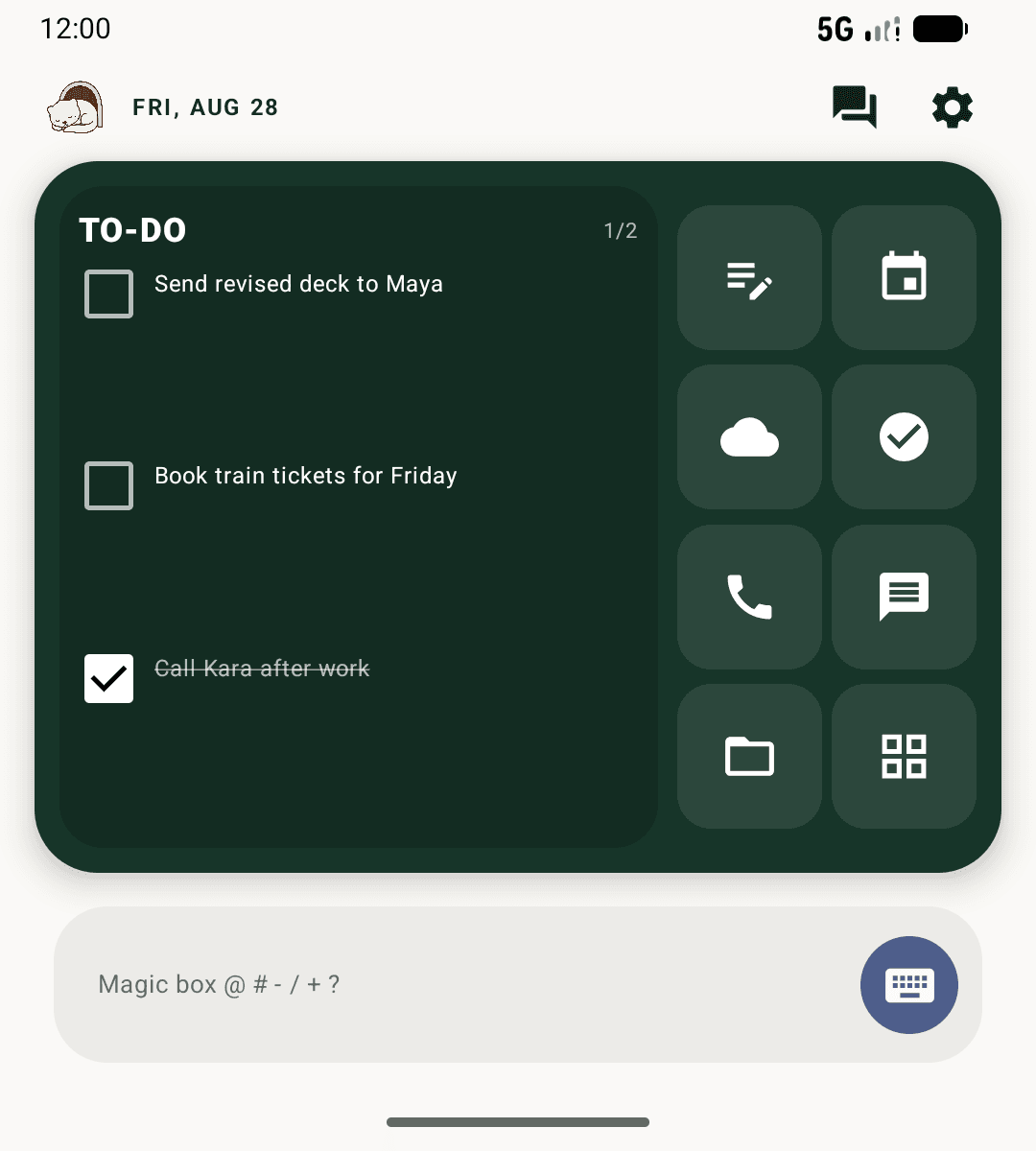
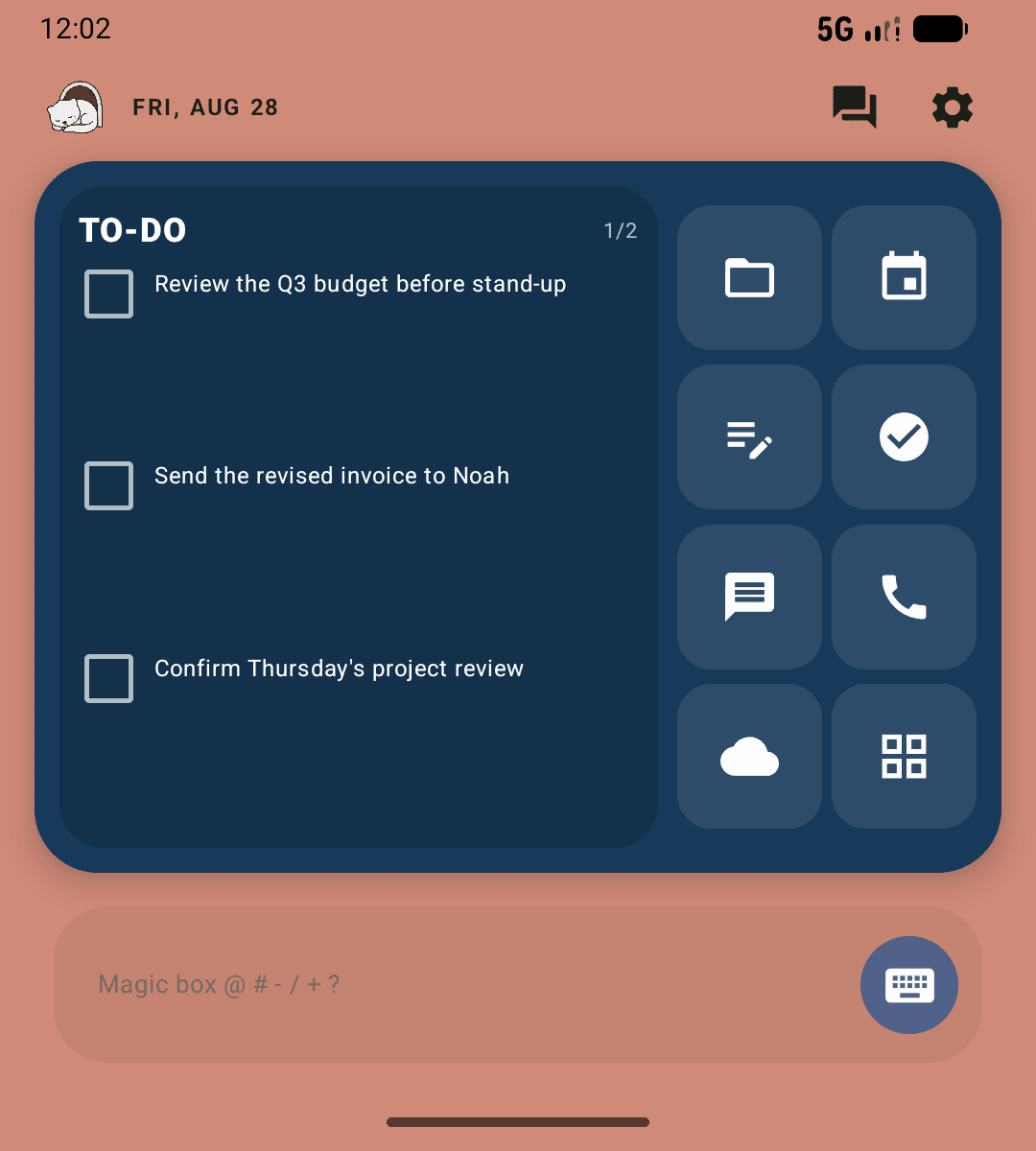
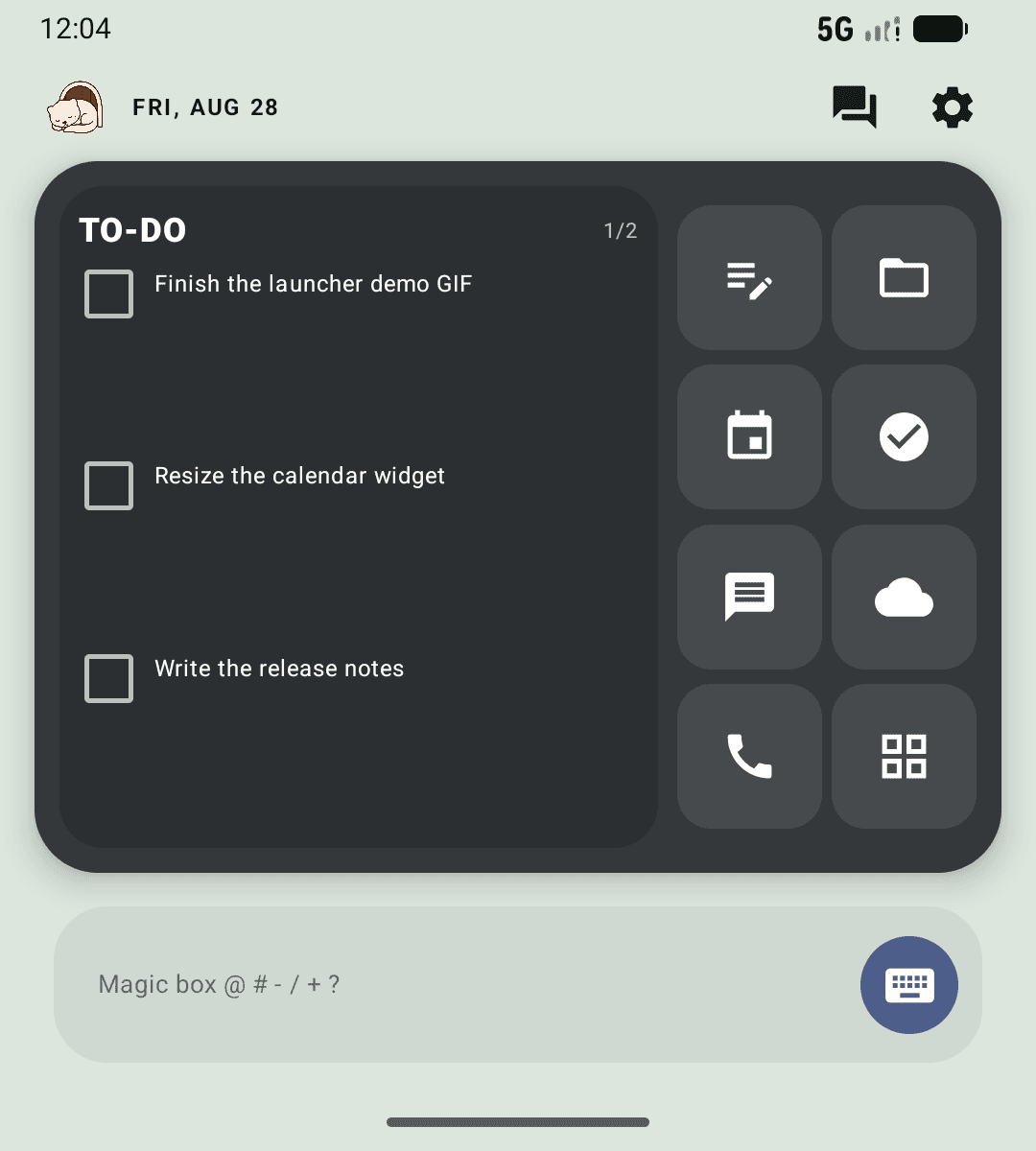
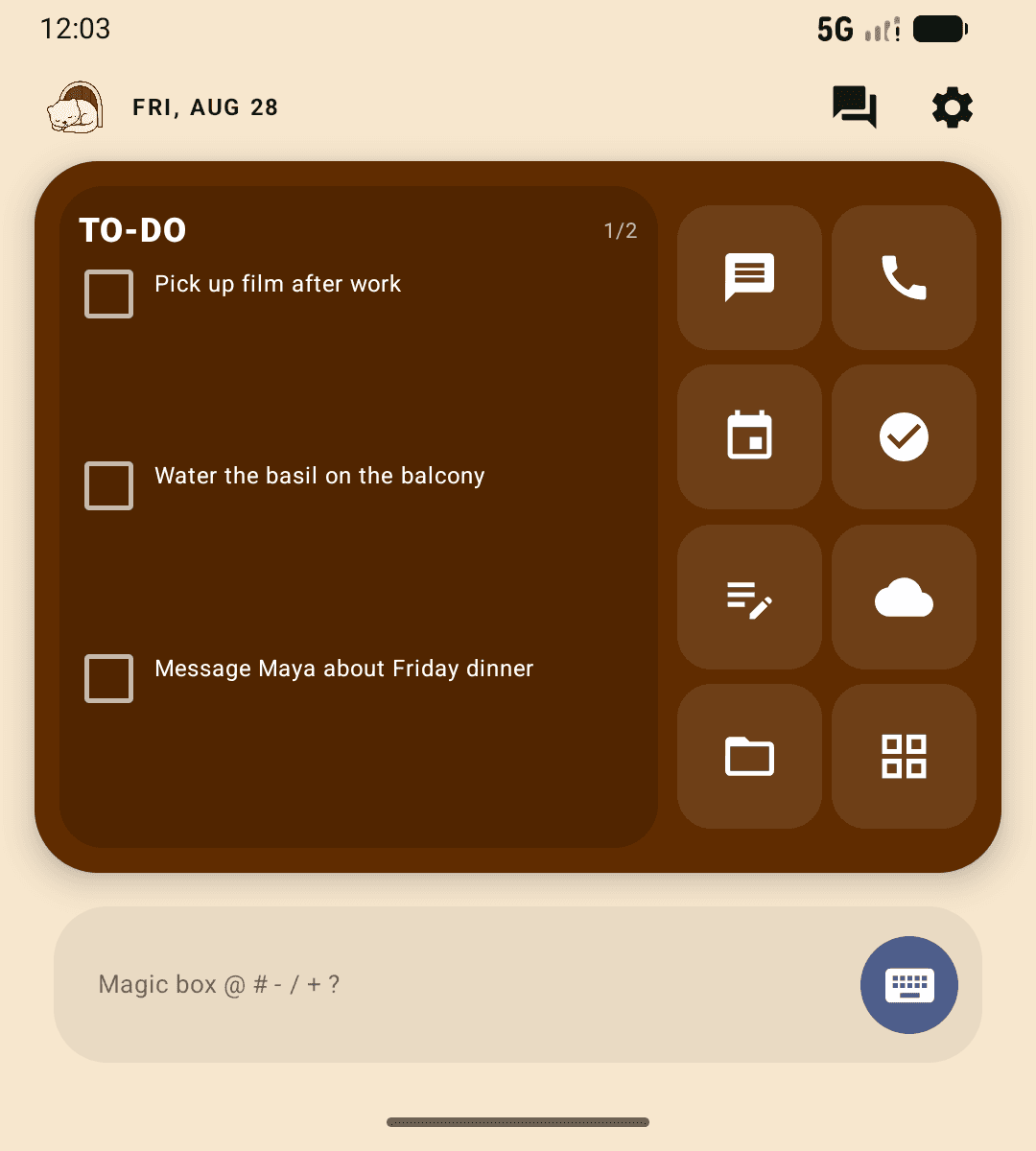
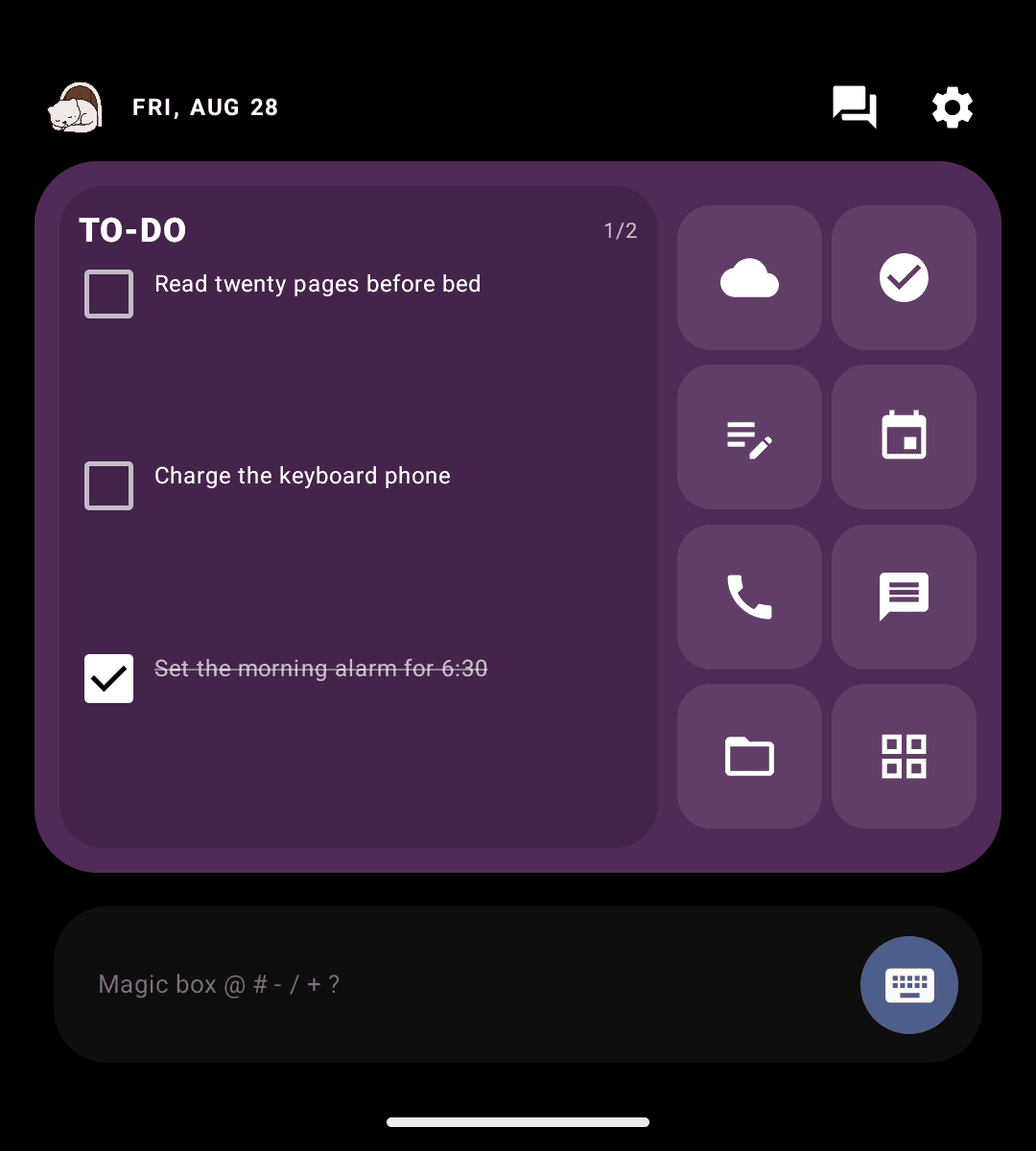
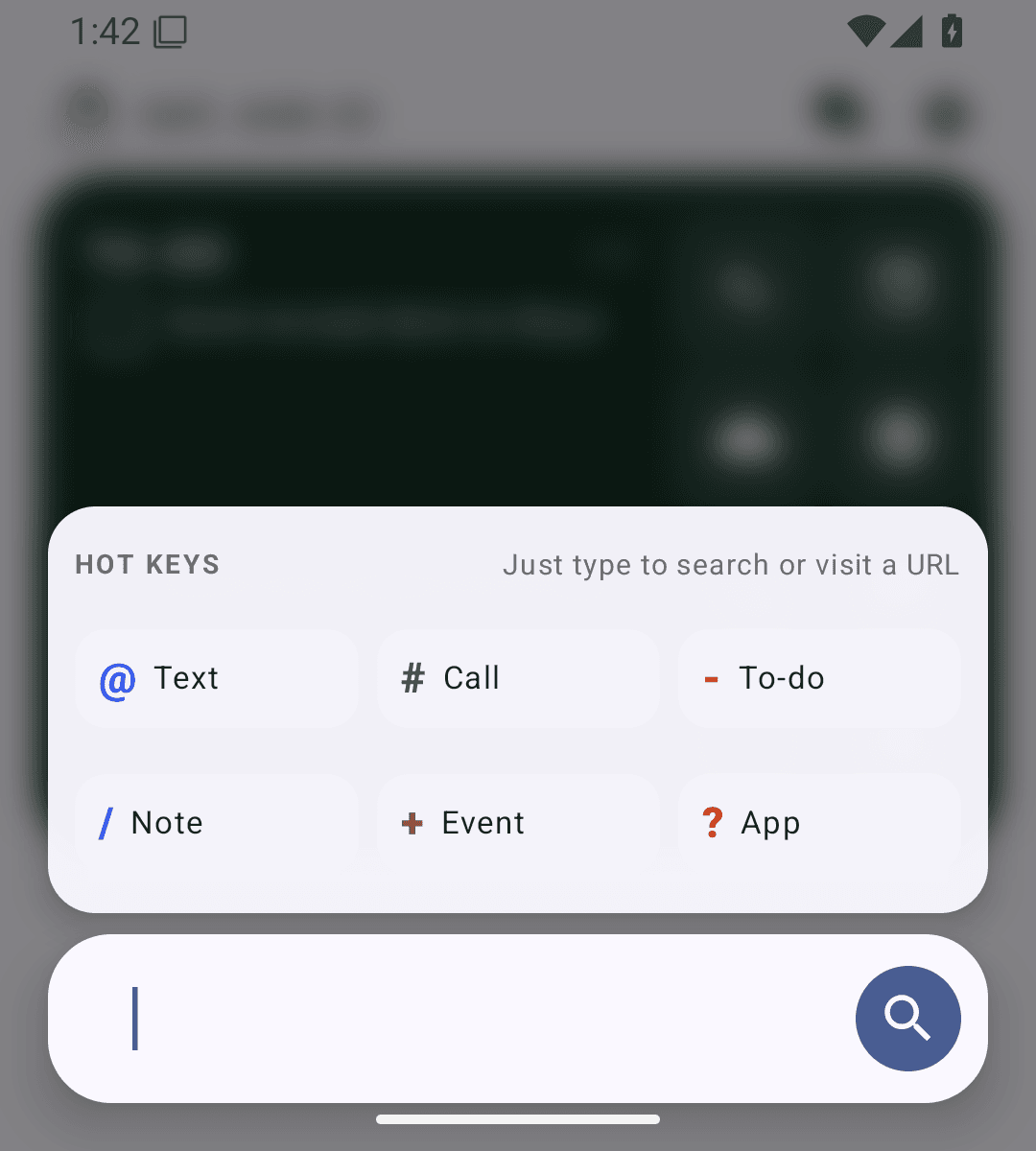
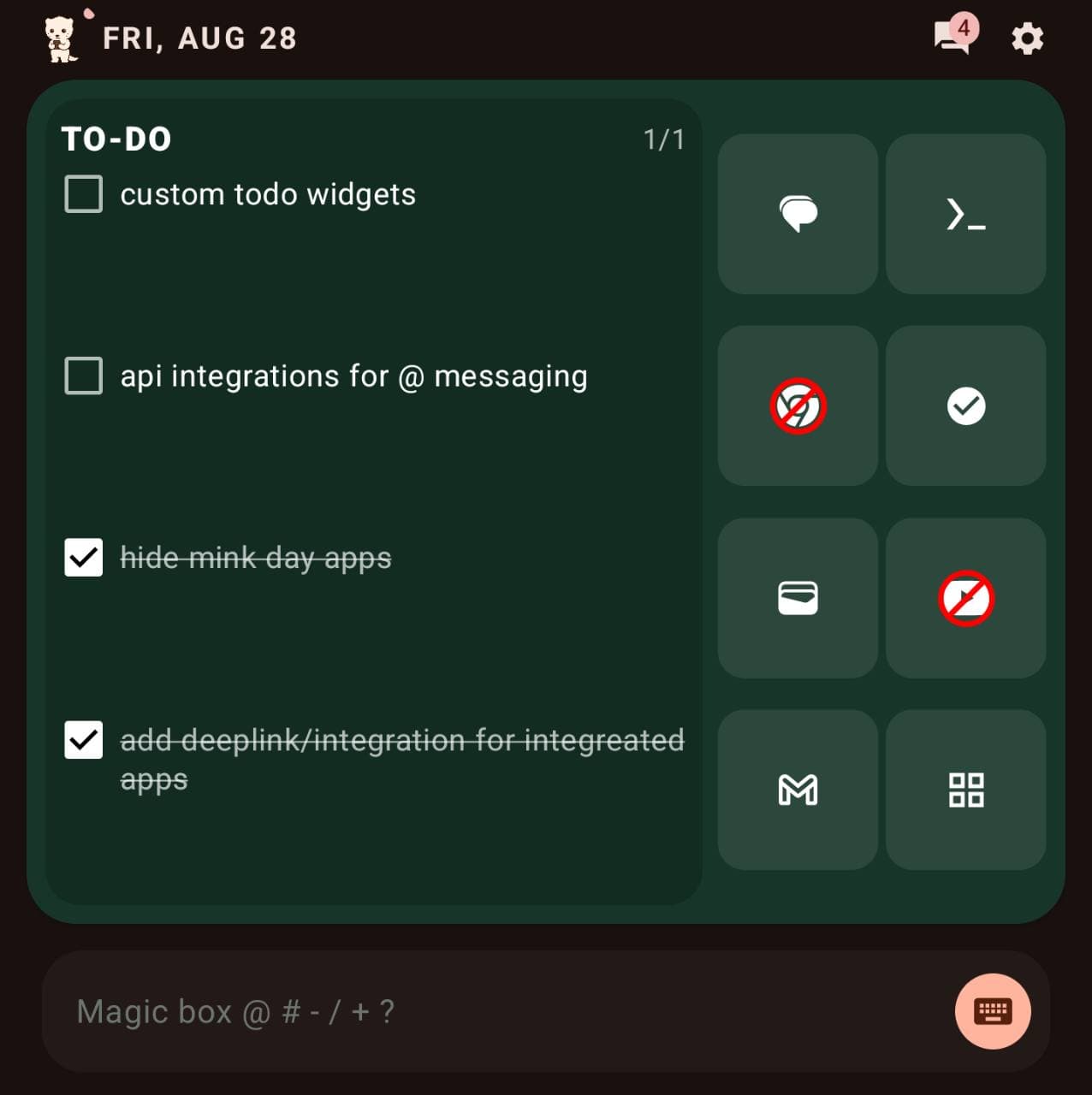
- Choose your launcher. Press Home and select MinkLauncher OpenSource, or open Settings → Apps → Default apps → Home app.
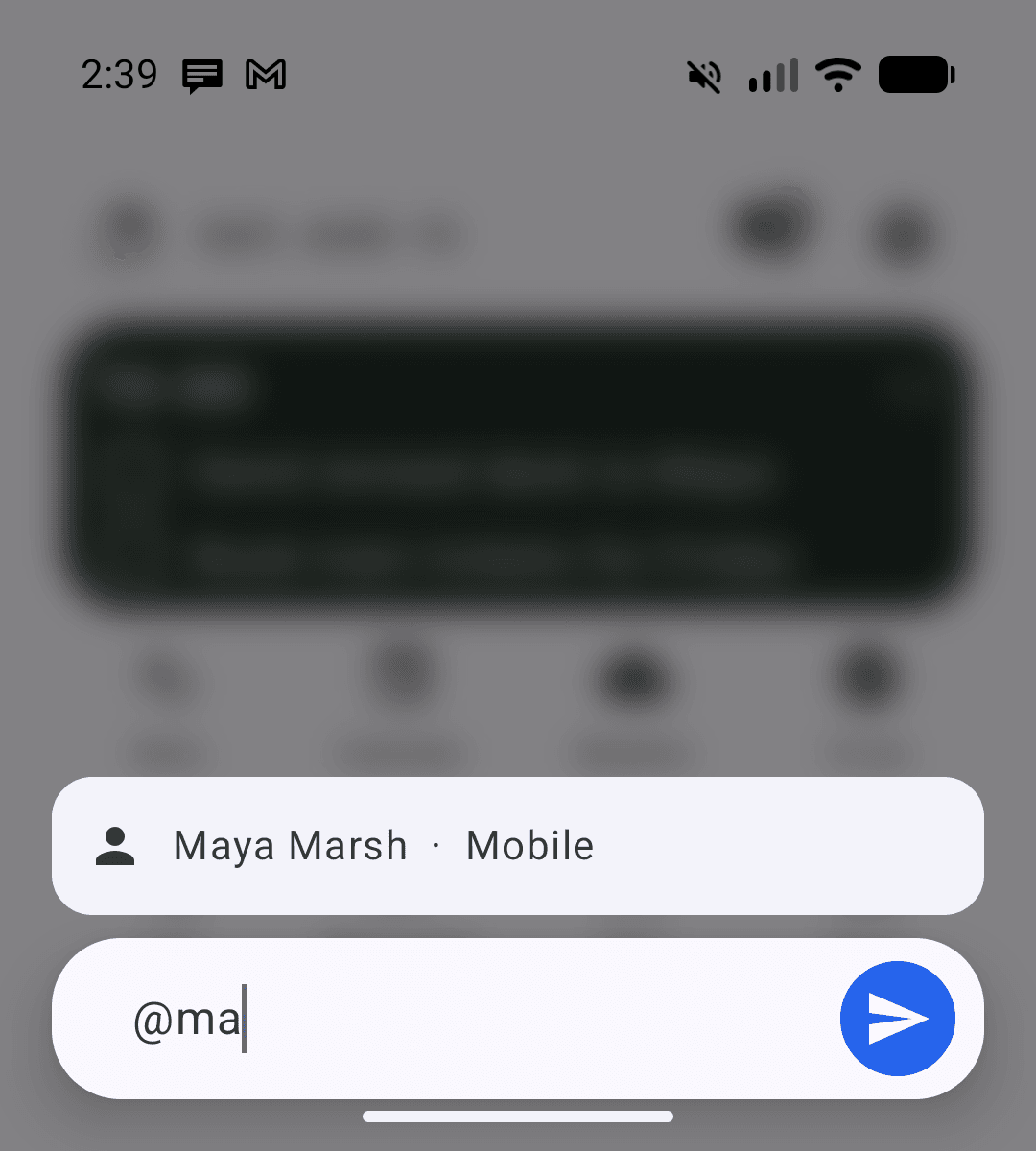
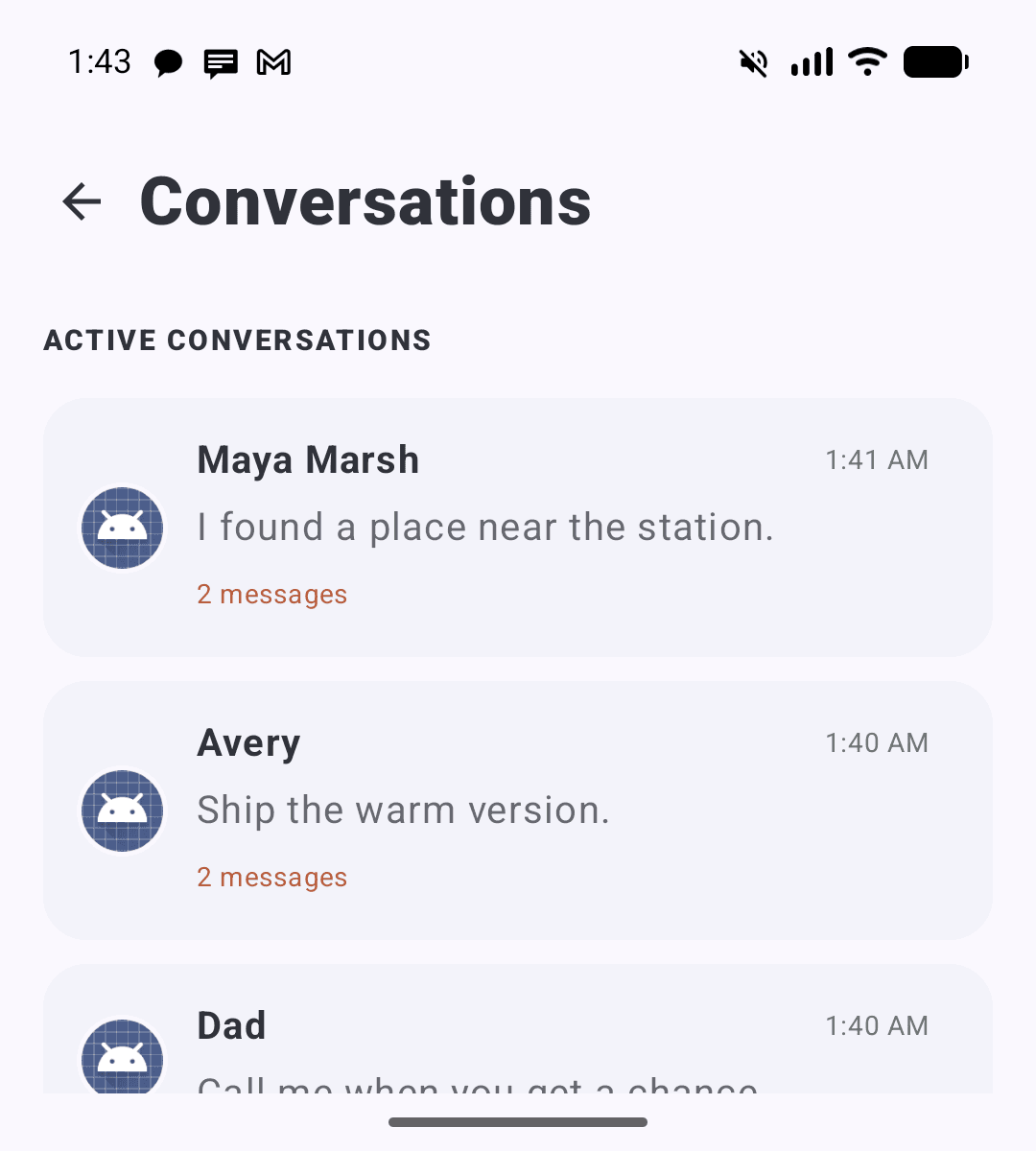
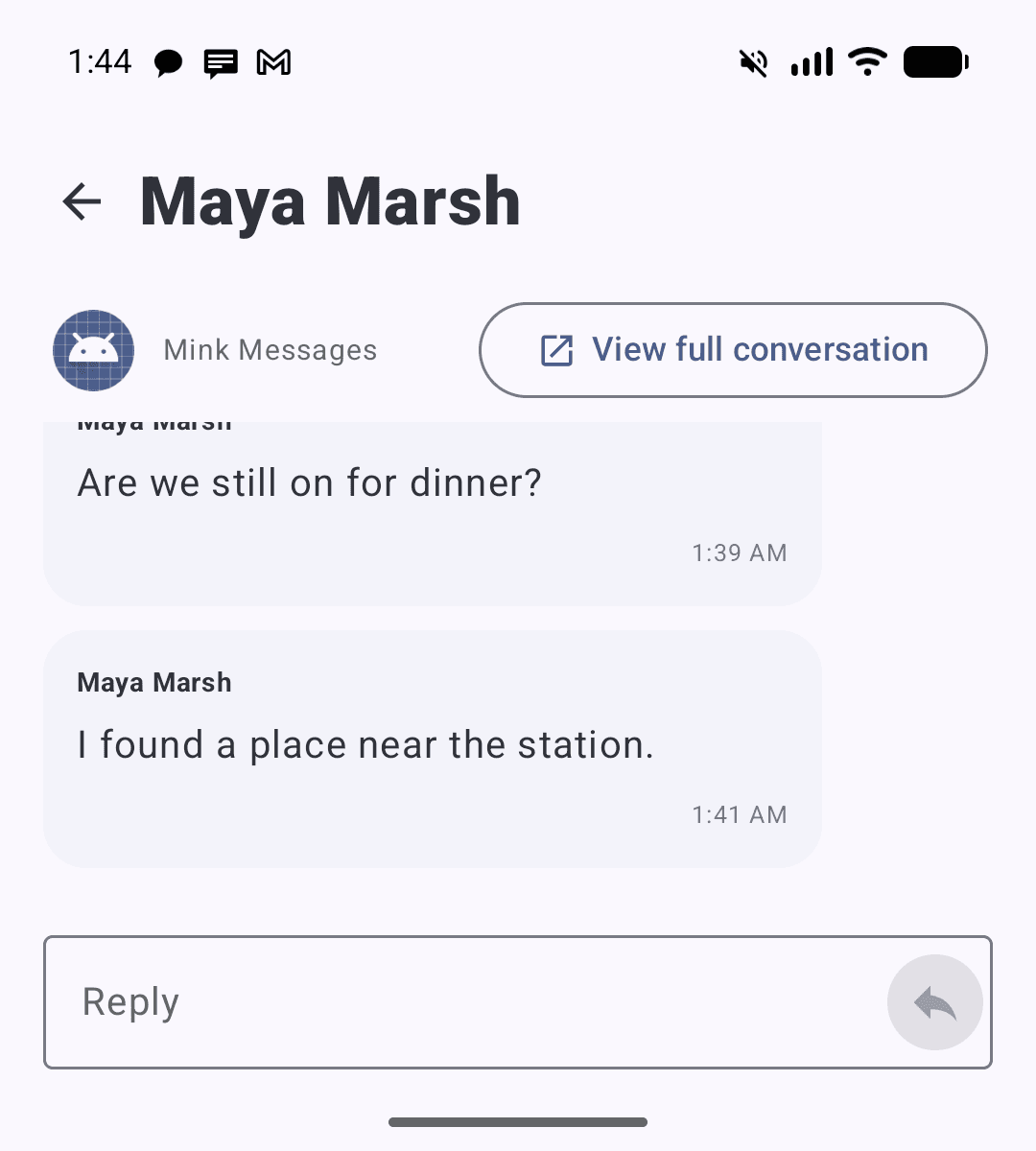
- Unlock Conversations if Android disables Notification access. On Android 13 or newer, a browser-downloaded GitHub APK may be treated as a sideloaded app. Open Android Settings → Apps → MinkLauncher OpenSource, open the top-right menu on the main App info page, and tap Allow restricted settings. Confirm with your device lock if requested. Then return to MinkLauncher OpenSource → Settings → Permissions → Conversations and enable Notification access. If the Notification access switch is greyed out, back out of that screen before looking for the App info menu.
Why this extra step? Android restricts sensitive settings for some apps installed outside an app store. Conversations needs Notification access so it can show and reply through compatible message notifications. Only allow restricted settings when you trust the APK source. Read Google’s restricted-settings guidance.
For extra safety, you can return to Settings → Apps → Special app access → Install unknown apps and turn off Allow from this source after MinkLauncher is installed. Menu names can vary by phone.