

01
Keyboard + Trackpad
Type, point, scroll, click, and drag across computers, phones, tablets, and compatible TV devices.
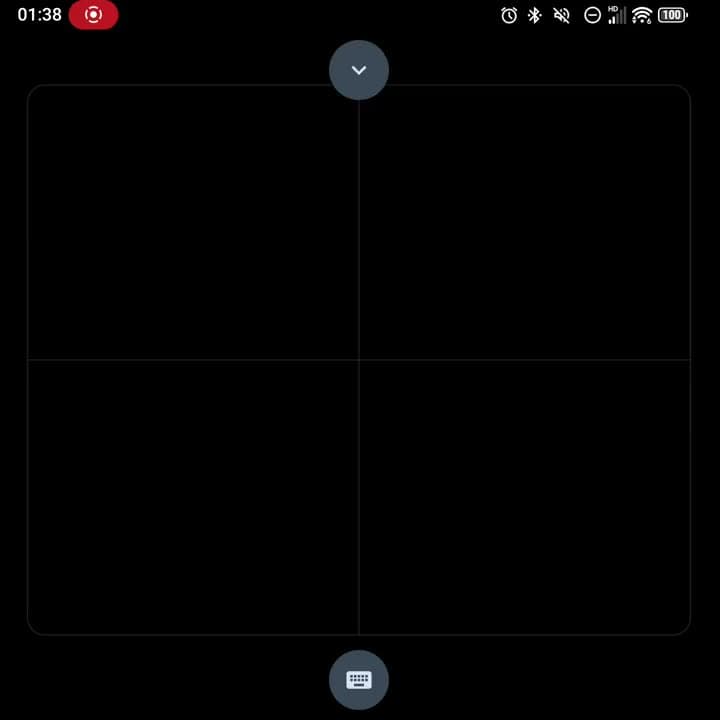
Bluetooth keyboard + trackpad · remote control
Keep the keyboard you love. Add a full-screen trackpad or remote control. Your pocket EVERYboard.
No account. No analytics. No usage timer.
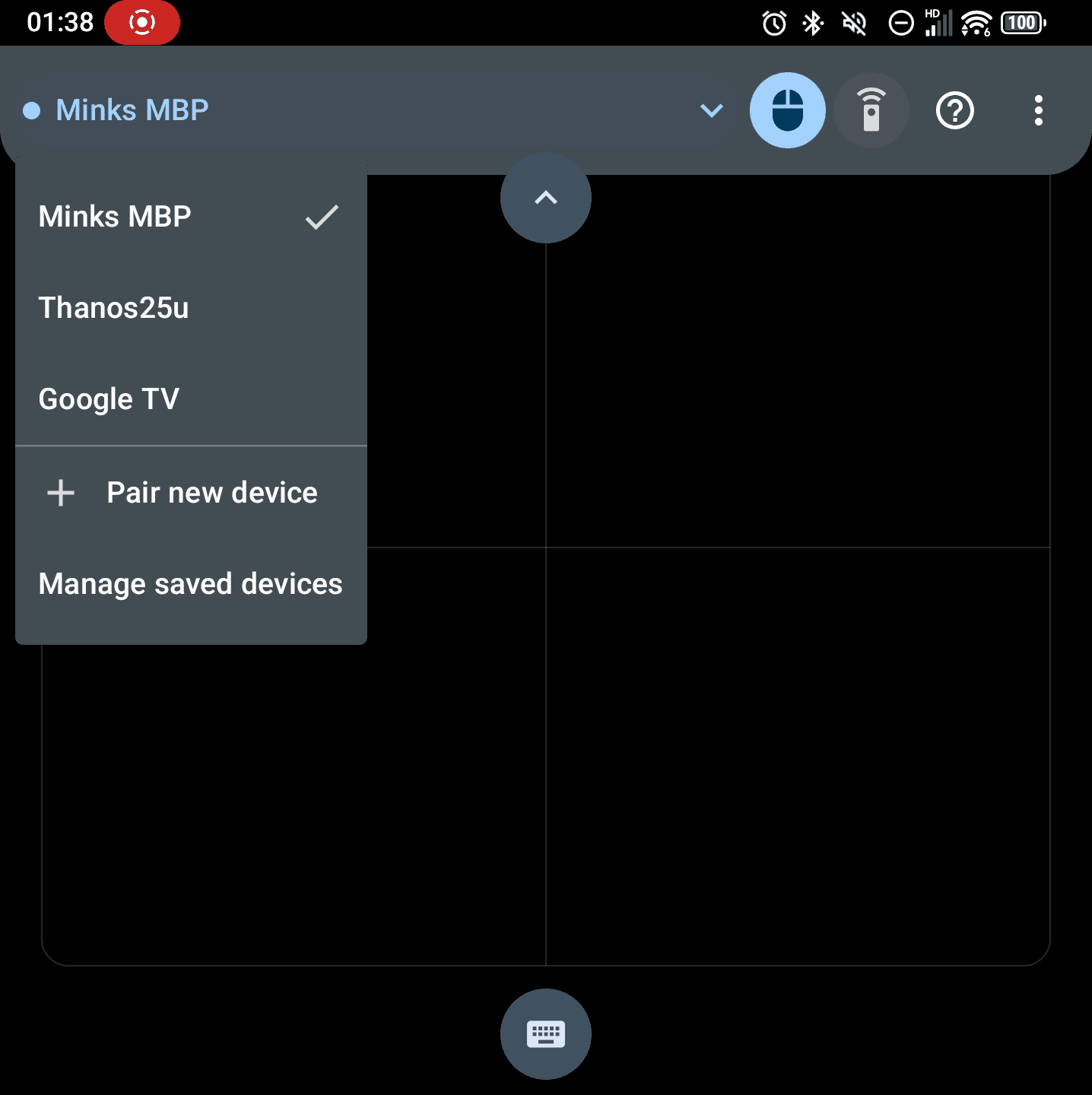
Host HoppingThree saved screens. One quick menu.
The reason to go Pro
Open your host list, choose a saved device, and move the same keyboard, trackpad, or Remote Control with you. MinkPad handles the handoff without sending you through Bluetooth settings again.
Your keyboard hops with you.
Bluetooth keyboard + trackpad · remote control
Keep keyboard and pointer input together when you need a desk setup. Switch to Remote Control when the screen is across the room. MinkPad changes its layout without another accessory or connection.
Type, point, scroll, click, and drag across computers, phones, tablets, and compatible TV devices.

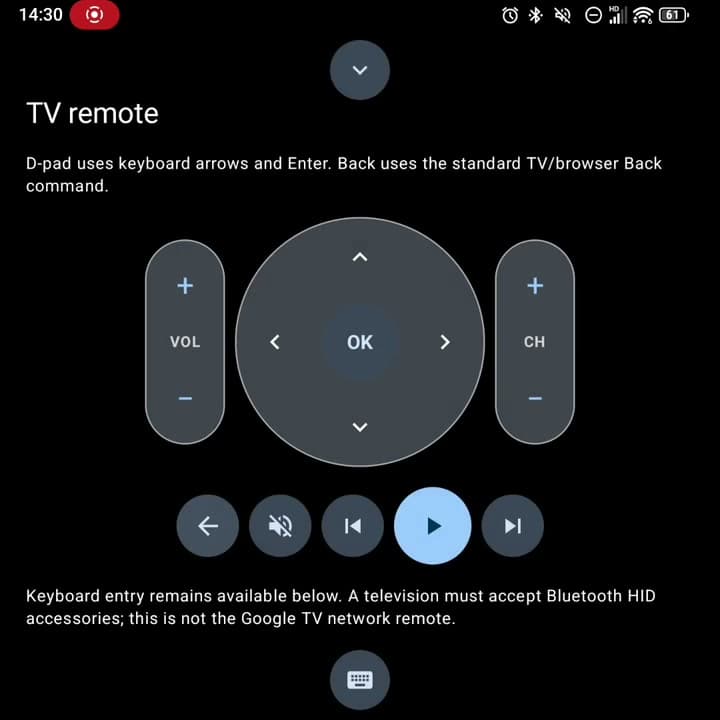
Navigate, play, pause, change volume, switch channels, and enter text from across the room.
MinkPad Pro beta